
A render farm supplies extra computing power once a 3D project outgrows a single workstation. That leaves one question open: should the work run on processors or on graphics cards?
Either kind of farm speeds up demanding projects, yet each handles the work in its own way. No answer fits everyone. Your render engine, your scene, memory and cost settle it.
Key points
- Grand View Research valued the worldwide 3D rendering market at $4.5 billion for 2025 and estimates $5.7 billion for 2026.
- Maxon’s current Redshift requirements name 8 GB of VRAM as the floor for supported Windows GPUs and recommend 12 GB.
- A GPU farm can be extremely quick, provided the render engine is tuned for graphics cards.
- A CPU farm still earns its place with large scenes, wide compatibility and long-standing CPU workflows.
- Engine support, memory, speed and cost are what the decision should rest on.
The short version
GPU farms match engines that parallelize heavily. CPU farms match scenes that need a lot of memory and pipelines built around processor rendering. Which one is right comes down to engine, scene, memory, the features you use, render time and cost.
What CPU and GPU render farms are
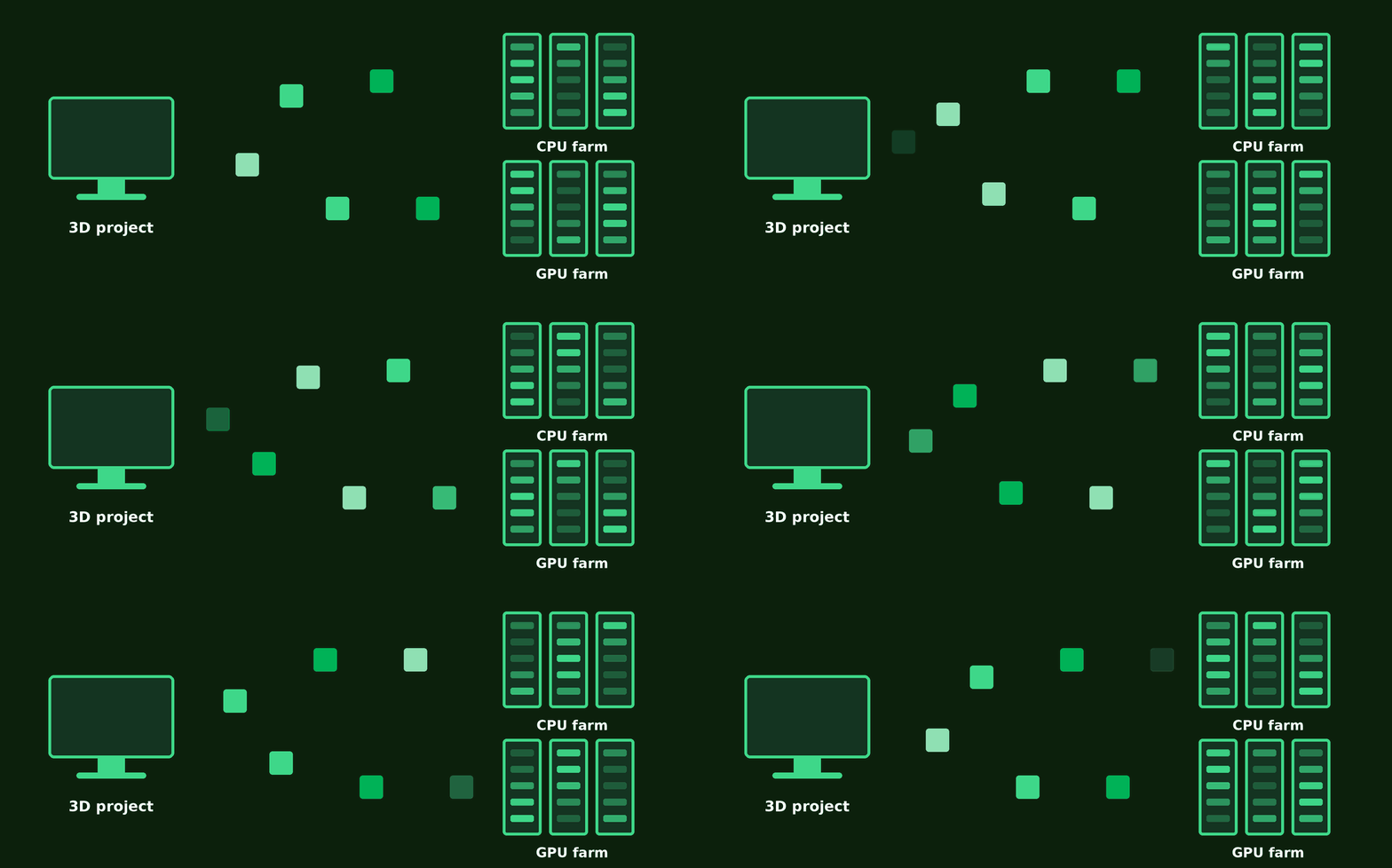
A render farm splits a rendering job across many machines, so several frames are computed at once. A CPU farm does this on processors, a GPU farm on graphics processors.
How rendering on CPUs works
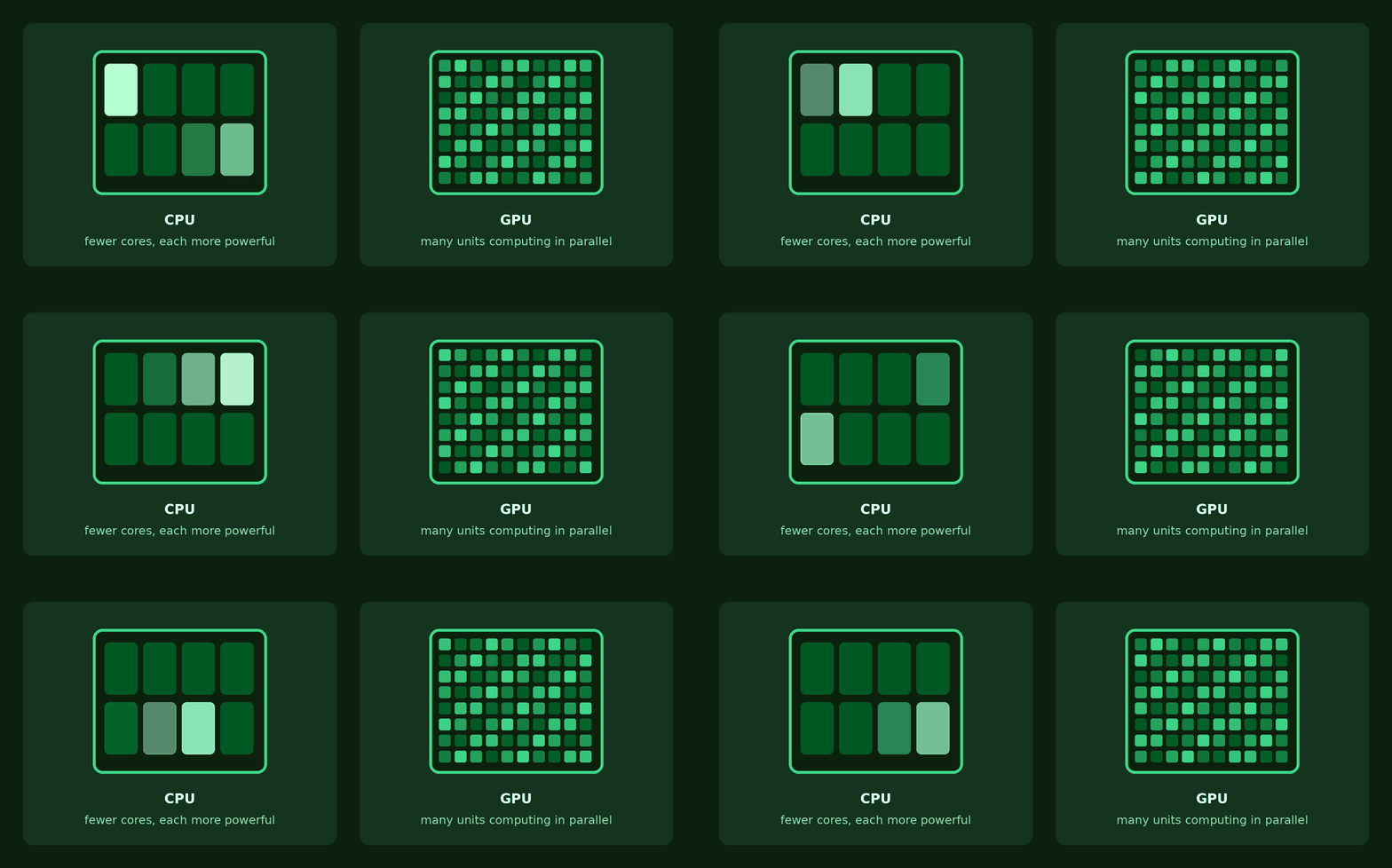
A processor has fewer cores, though each is more versatile and more powerful. On a farm, many CPU nodes work on separate frames side by side. This setup suits memory-hungry jobs and cases where the features you need are better supported on CPU.
How rendering on GPUs works
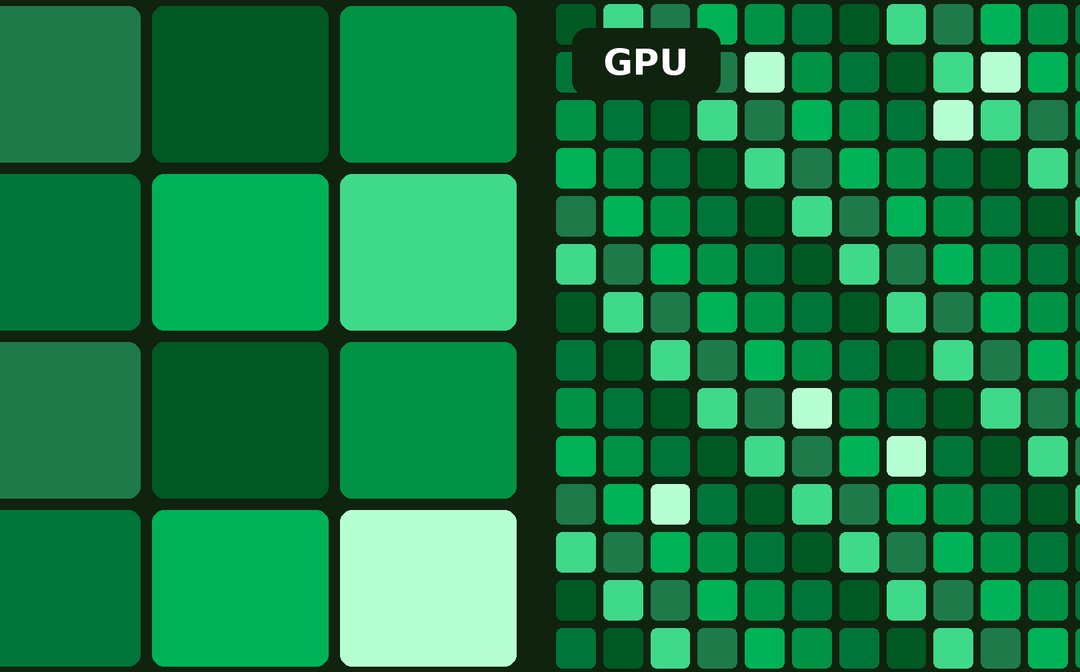
A graphics card packs a very large number of units that run huge batches of calculations in parallel, and rendering lends itself well to that. An engine tuned for GPUs can turn out frames very fast. Hence the popularity of GPUs in animation, motion graphics, product visualization and jobs with high frame counts.
Speed: CPU against GPU
For workloads designed around graphics cards, GPU rendering can be markedly quicker, but no single winner covers every project. The outcome hinges on how the engine is built, scene complexity, shaders, effects, sampling, resolution and hardware. Your best move is to run one representative test frame on both node types with comparable settings.
Memory can tip the decision
System memory on CPU nodes
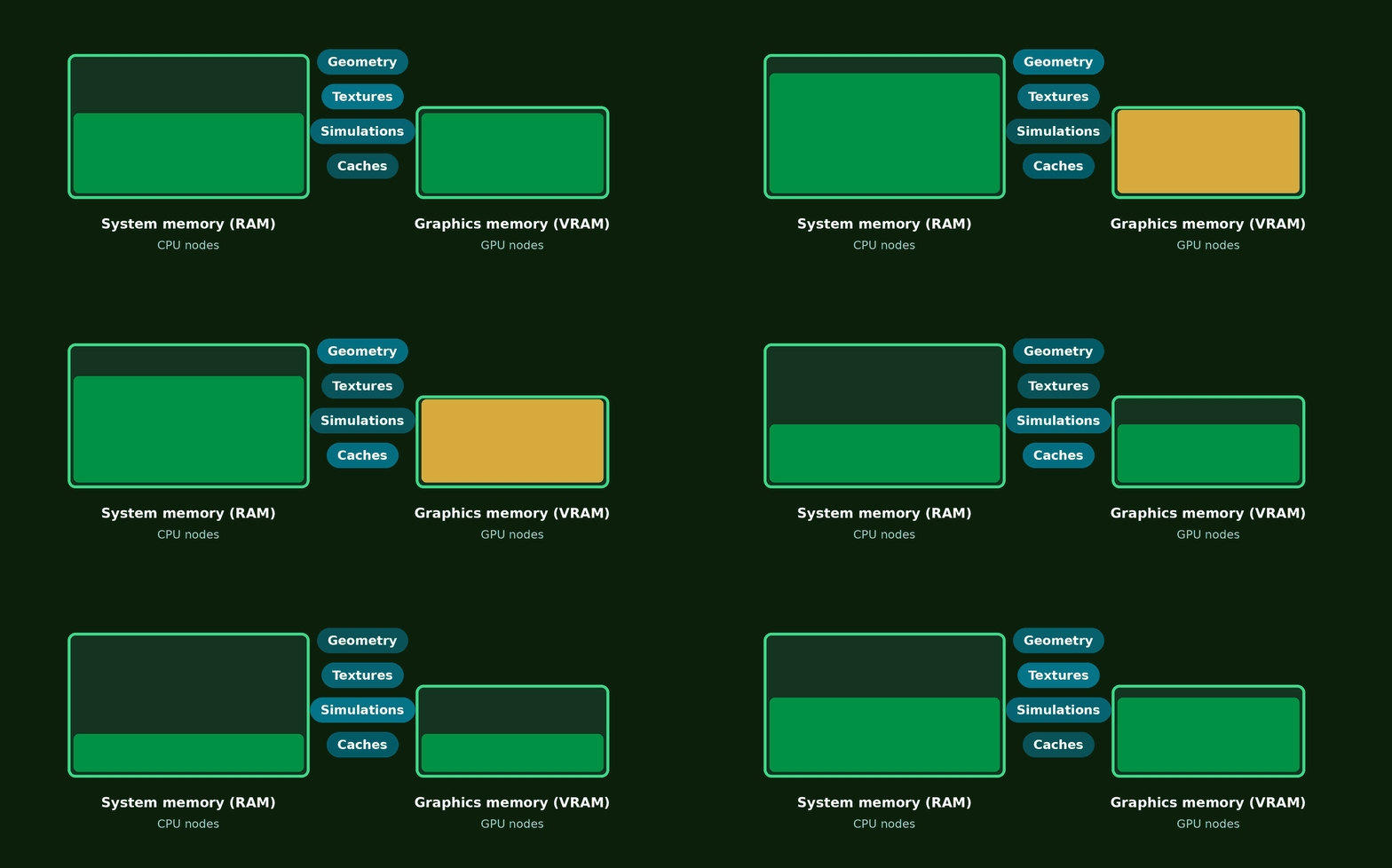
CPU rendering draws on system RAM, and RAM can be installed in large amounts. That helps with dense geometry, big textures, simulations, caches and sprawling environments.
VRAM on GPU nodes
GPU rendering leans heavily on graphics memory. Redshift’s requirements call for at least 8 GB of VRAM, with 12 GB recommended, on supported Windows GPUs (Maxon). Those numbers apply to Redshift and are no universal standard, because every engine manages graphics memory in its own way.
Engine compatibility comes first
Quite often the engine settles CPU versus GPU before any hardware gets compared:
- Cycles in Blender renders on CPUs and on compatible GPUs.
- Arnold comes with a CPU mode and a GPU mode, which differ in some features and behavior.
- Redshift handles CPU, GPU and hybrid rendering.
Look at the features in your scene as well
Before you switch modes, verify shaders, plugins, volumes, procedural effects and denoisers. A short test render brings compatibility problems to light before you submit the full job.
When a CPU farm is the sensible choice
Your pipeline is built around CPU rendering
If you depend on CPU-based engines, plugins, shaders, scripts or scene setups, staying on processors spares you changes across the whole pipeline.
Your scene needs plenty of memory
Large environments, simulations, dense geometry and high-resolution textures all profit from generous RAM. Still, weigh memory together with raw speed instead of treating it as an automatic win for CPU.
When a GPU farm is the sensible choice
Your engine is tuned for GPUs
Modern GPU-first engines make good use of parallel processing. Spreading an animation over many GPU nodes raises throughput sharply, above all with hundreds or thousands of frames and a tight deadline.
Time matters to you
Quicker rendering shortens the production of final frames and makes late revisions easier to absorb. A GPU farm lends you extra capacity for a while, so you need not buy enough cards of your own to cover peak periods.
What about hybrid rendering?
Some engines put CPUs and GPUs to work together, Redshift being one example. Combining the two is no guarantee of better performance. The gain depends on how well the work gets divided between the devices, which is why testing pays off.
What CPU and GPU farms cost
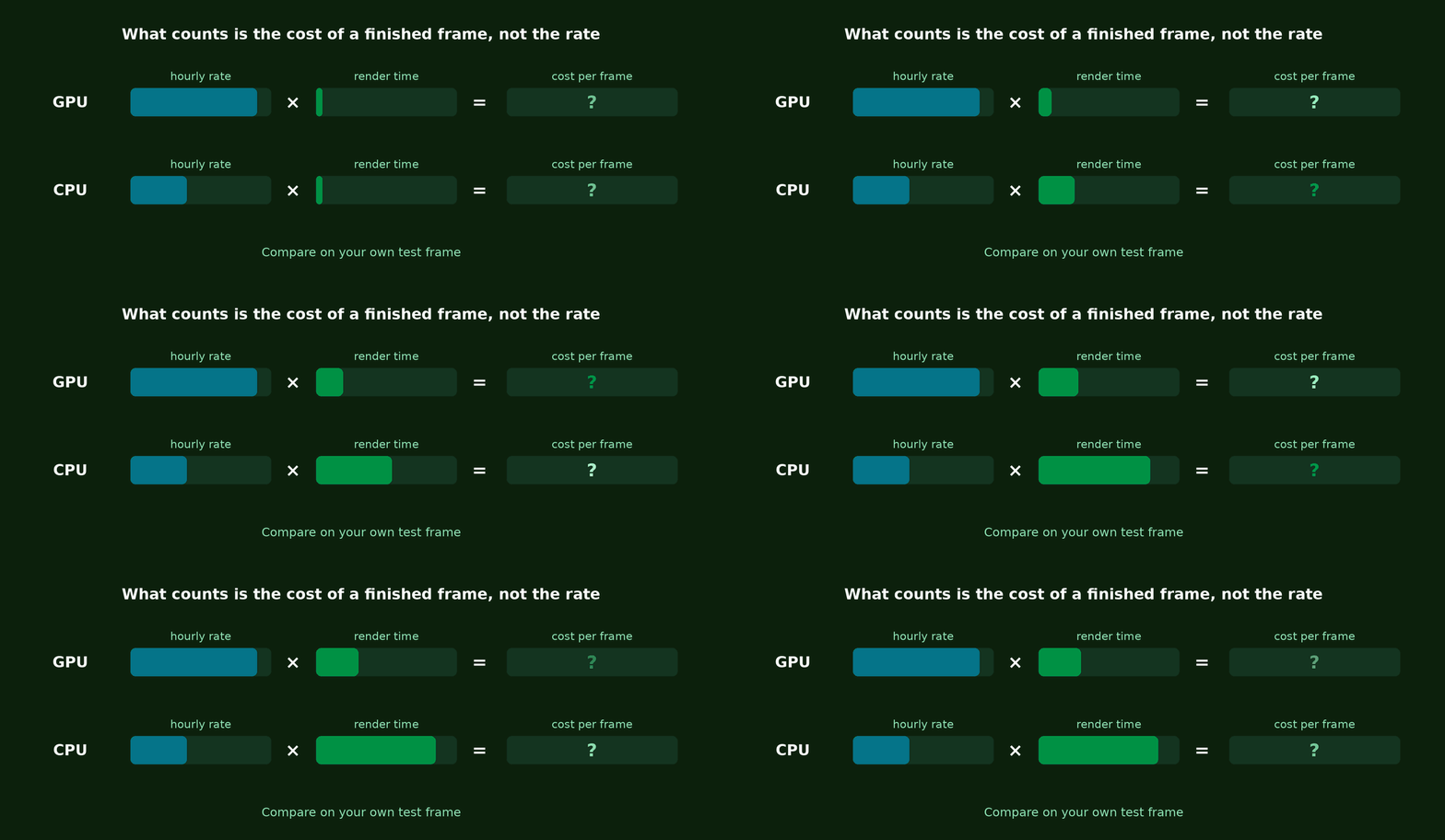
The hourly rate alone will not tell you which option is cheaper. A more expensive GPU node may finish sooner and cost less in total than a cheaper CPU node. Compare what it costs to complete the same representative frame at the quality you require.
How to pick between a CPU and a GPU farm
- Find out whether your engine and the features in your scene run on CPU, on GPU or on both.
- Factor in system memory, VRAM, scene complexity and the hardware the farm offers.
- Render several representative frames with production settings, then compare time, output, memory use and cost.
Closing thoughts
Both kinds of farm can cut the time demanding projects take. GPU farms shine on compatible parallel workloads. CPU farms suit memory-heavy scenes, established workflows and projects where compatibility is critical. Fit the hardware to your engine and scene instead of assuming one of them is always better.
Test your scene on the Copernicus Computing render farmGet $25 starter credit. No credit card required.
Start free trial