
Desktop GPUs keep getting quicker, real-time engines keep getting better, and AI tools are taking over more and more steps of image production. Render farms have not become obsolete along the way.
Real-time rendering cuts the waiting in some visualization jobs, and AI lends a hand with denoising, upscaling and content generation. Offline rendering is still what you reach for when a project calls for top image quality, long sequences, complex effects, or more work than a single workstation can absorb.
Key points
- A farm earns its keep once rendering begins to squeeze your deadlines, your number of iterations, or your access to your own machine.
- GrandViewResearch puts the worldwide 3D rendering market at $4.5 billion for 2025 and an estimated $5.7 billion for 2026.
- Real-time engines and AI take over part of the classic render workload, yet offline rendering stays relevant for animation, VFX, visualization and cinematic work.
- Rendering on your own hardware is a sensible choice whenever the job fits the machines and the calendar you already have.
- The cloud is easiest to justify when you need extra compute for a while, not a permanent installation on site.
The short version
Real-time tools remove some of the waiting, AI helps with selected tasks, and demanding work still depends on offline rendering. Paying for a farm makes sense when it gives you back real production time, leaves your local machines free, or supplies the capacity you need to hit a deadline.
Why render farms still matter
Today an artist can build scenes locally, check them in real time, hand parts of the process to AI and push the heaviest jobs to the cloud. The market is growing on all of these fronts at once: traditional rendering, real-time visualization, cloud workflows and the tools around them.
Real-time engines have changed what ends up on a farm
Engines such as Unreal Engine deliver dynamic lighting, reflections and dense geometry with instant feedback. They suit architectural walkthroughs, virtual production, automotive and product visualization, previs, interactive experiences and a share of cinematic work.
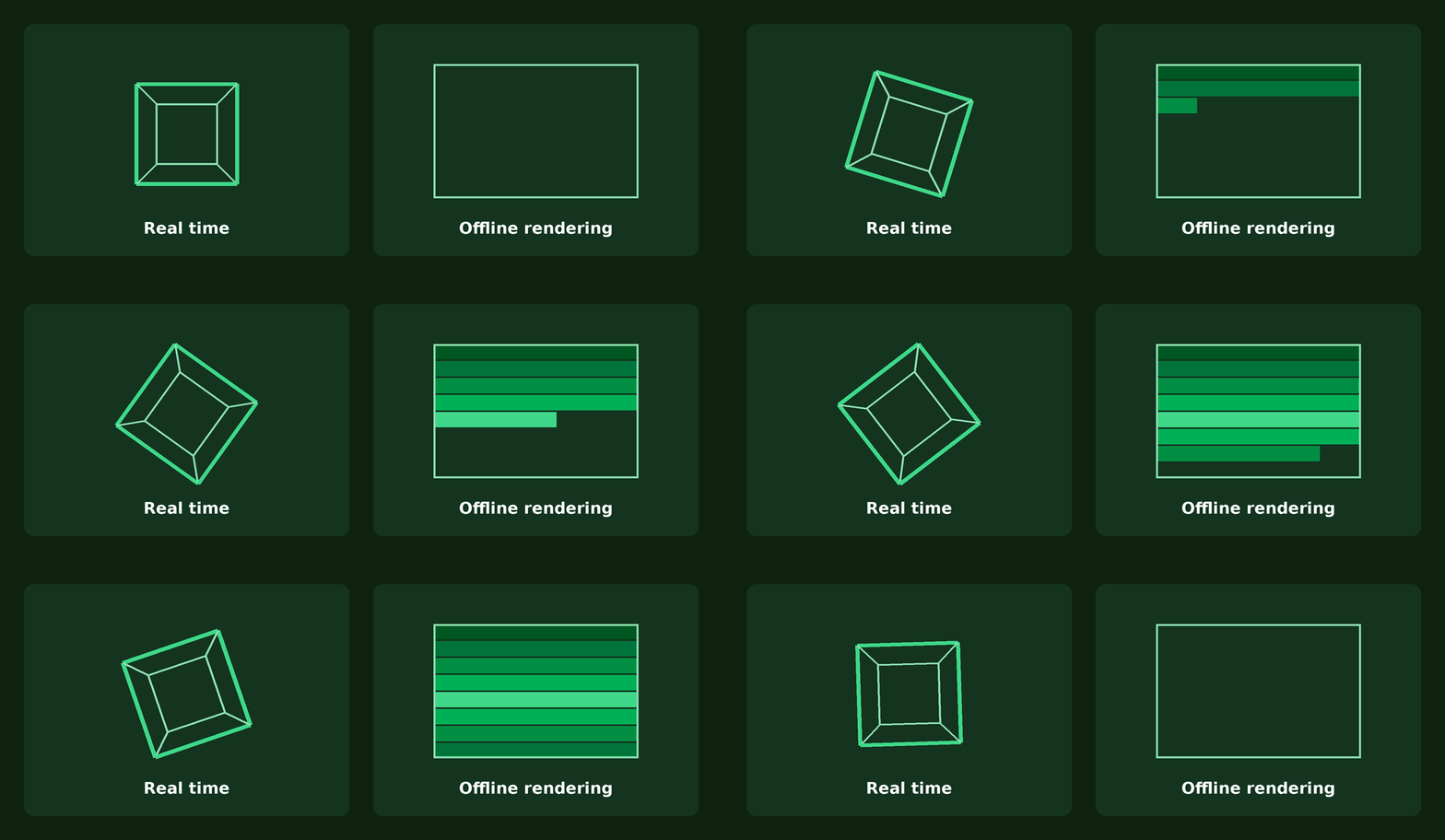
The two approaches can share a project
A real-time renderer has to live within a frame-rate target and a GPU budget, and that caps how complex scenes and effects can get. Offline rendering has no such ceiling, so it copes with higher quality, heavier simulation and more elaborate effects. Hence the hybrid setup: block out cameras and lighting in Unreal Engine, render previews on your own machine, and send the final frames to a farm.
AI is moving the workload around
AI now assists with denoising and upscaling, and generative tools help with concepts, backgrounds, style exploration and post-production. Neural rendering techniques described by NVIDIA (neural shaders and materials, texture compression, AI reconstruction) are changing the way visual data gets processed. For concept art, background elements and short-form content, AI can stand in for some production steps.
Structured 3D production is still required wherever a job needs exact geometry, controlled animation, repeatable camera moves, simulation and consistency from one frame to the next. Expect AI to complement those pipelines, not to replace them. Demand for compute is shifting, not vanishing:
- denoising lowers the sample count you need,
- upscaling lets you render at a lower resolution first,
- generative AI takes the place of some assets and steps,
- inference and video generation are GPU workloads of their own,
- a shared workstation turns into a bottleneck once rendering, inference and upscaling all queue for it.
The point where a farm starts paying off
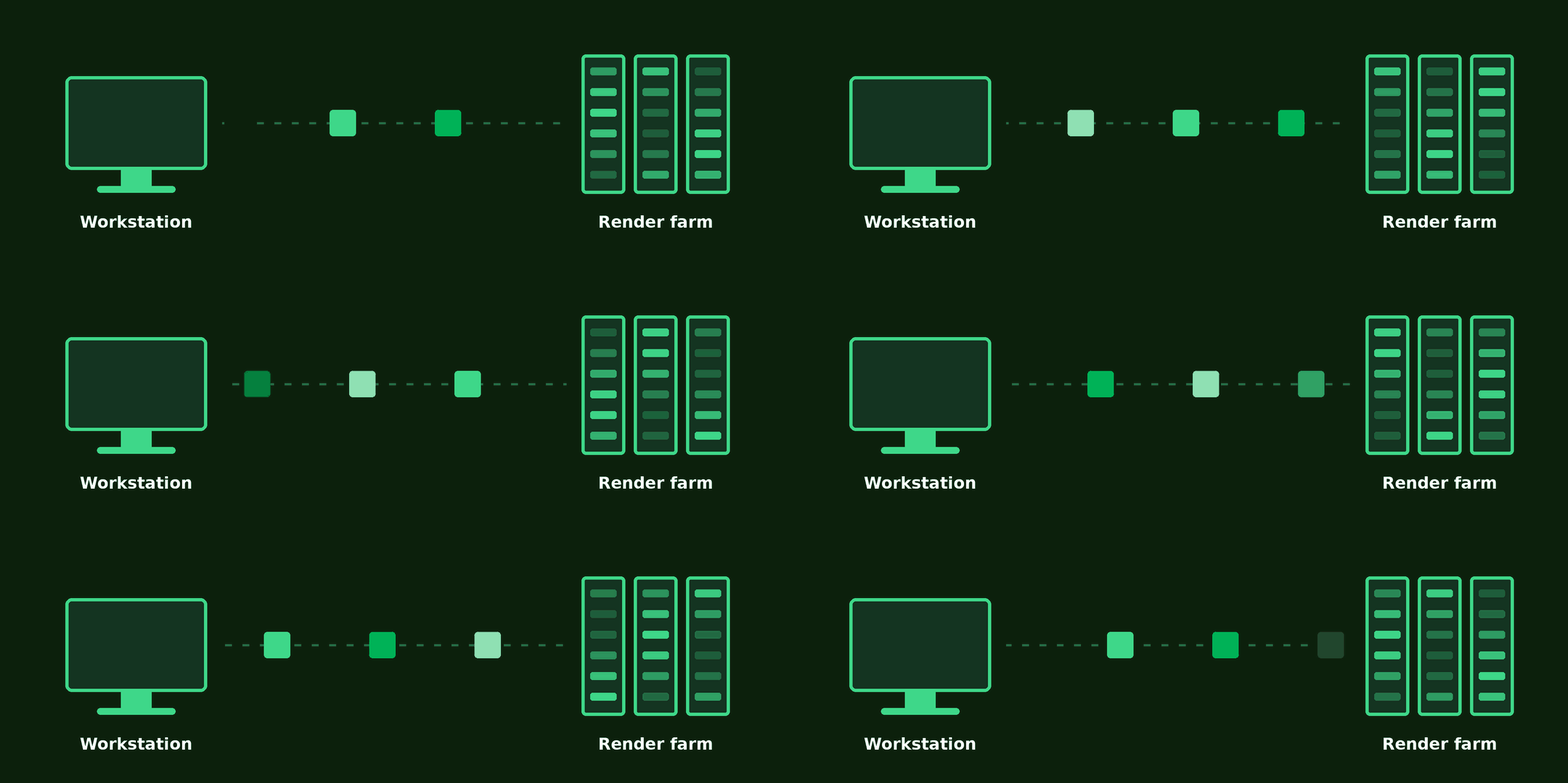
That point arrives when rendering holds up everything else in production: the frame count is too high, single frames take too long, projects overlap, or revisions land late. Extra capacity carries you through reviews, revisions and delivery, and you avoid buying hardware for the occasional peak.
A free workstation has value too
Rendering on a farm keeps your own machines available for modeling, animation, compositing and revisions. Small productions feel this most, because one person there covers many jobs at once.
Local, real time or cloud
No single method carries a whole project. Which one fits depends on the production stage:
- Local rendering
- Test frames, look development, stills and short animations that finish without upsetting the schedule.
- Real time
- Previs, walkthroughs, virtual production and interactive delivery.
- Render farm
- Long animations, large batches of frames, high resolutions, complex path-traced scenes and deadlines with many revision rounds.
More and more often all three appear in the same project: AI concepts, modeling, real-time previews, final shots rendered offline and AI enhancement afterwards.
What rendering in-house really costs
The hardware is only the start. Electricity, cooling, upgrades, maintenance, storage, downtime and the hours spent babysitting renders all add up. Artist time is one of the biggest items, since a workstation tied up by a render pushes back revisions and client work.
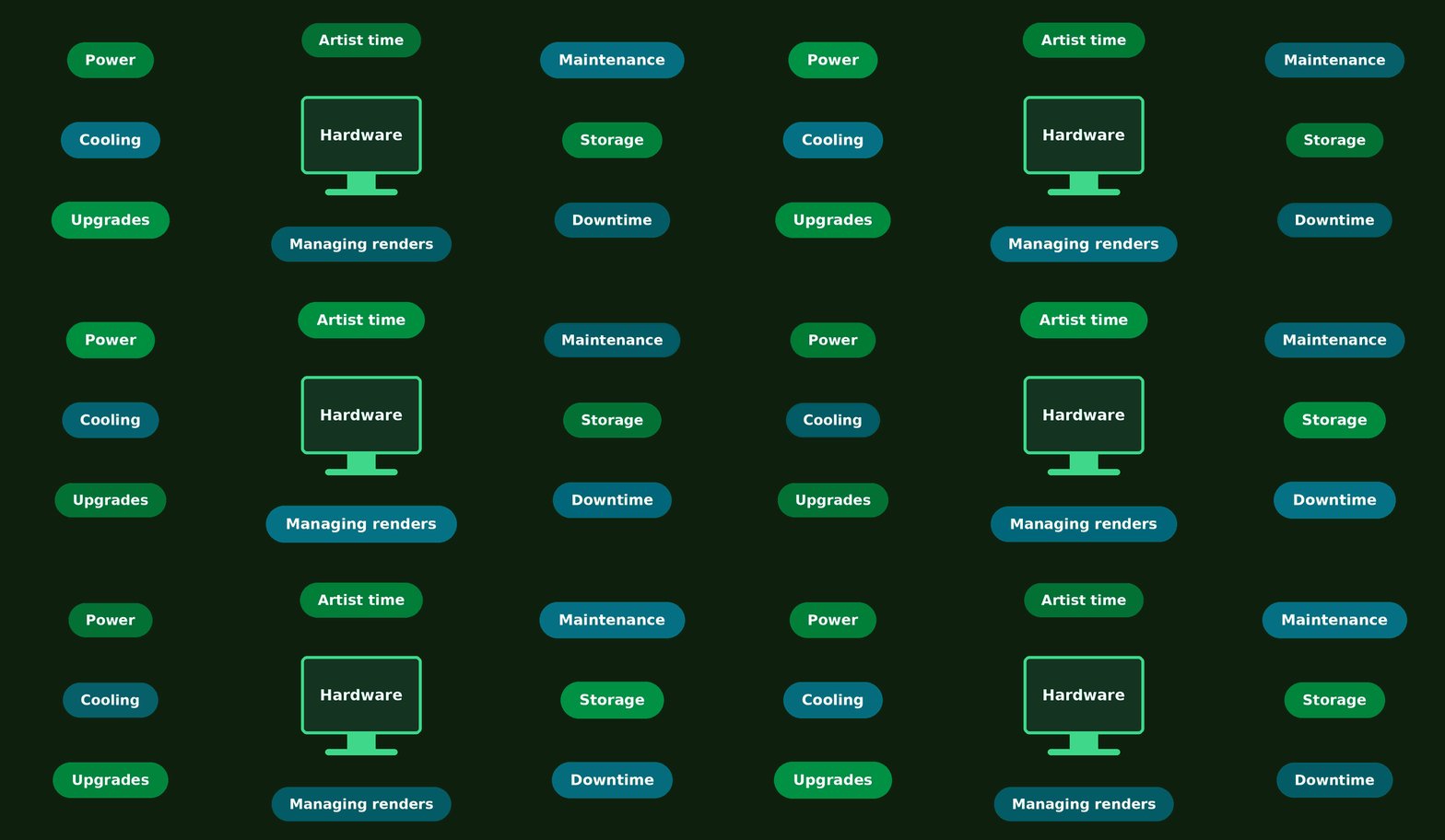
A fair comparison covers hardware, power, upkeep, downtime, management time, external render fees, upload and download time, and what finishing sooner is worth to you. The farm is the better deal when the time and capacity it returns exceed what the render costs.
Stronger hardware or a farm
Upgrading the workstation is the right move when one and the same limit slows you down every day: in modeling, simulation, viewport performance, AI tasks and rendering alike. A farm is easier to defend when demand comes in spikes, for instance at final delivery or during a big revision round. Renting capacity for the peaks can cost less than owning machines sized for the busiest week of the year.
High volume changes the math
Studios that turn out images in very large numbers need rendering that is dependable, predictable and easy to plug into their own pipeline. In high-volume visualization, throughput and consistency count as much as speed. Big pipelines gain from infrastructure that scales without rebuilding the hardware again and again.
When a farm may not be worth it
Small jobs that finish quickly on your own machine may not justify the extra cost and setup. Staying local is the better call when:
- the project is a simple still or a short sequence,
- an overnight render fits the deadline,
- the workstation can stay busy and nothing else suffers,
- the farm does not support the software, scripts or plugins you need,
- a real-time engine already gives you the quality required,
- AI tools trim the workload enough for local hardware to cope.
Support counts most right before the deadline
Missing assets, incompatible plugins, unusual settings or failed frames can swallow all the time that faster hardware bought you. Support that is easy to reach matters most in the last stretch of production, with a client deadline approaching.
Frequently asked questions
How can I tell whether a farm will pay off?
Render a representative frame or a small batch on your own machine, time it, and scale the result up to the whole project.
What should I weigh up before I send a job?
Total render time, the deadline, and whether your workstation has to stay free. Set the cost of a small test on the farm against the time or capacity you could win back.
Can I cut the workload without a farm?
Sometimes. A real-time engine may meet your quality bar, and AI denoising or upscaling lets you lower sampling or resolution.
Why is the answer different for every project?
Render time depends on animation length, render engine, resolution, scene complexity, plugins and hardware.
So, does a render farm pay off in 2026?
Consider one whenever rendering eats into production time, limits your iterations, blocks hardware you need, or puts delivery at risk. Real-time engines, AI and stronger workstations take some of the pressure off, but heavy offline rendering is still everyday business in animation, VFX, product and architectural visualization, and cinematic work.
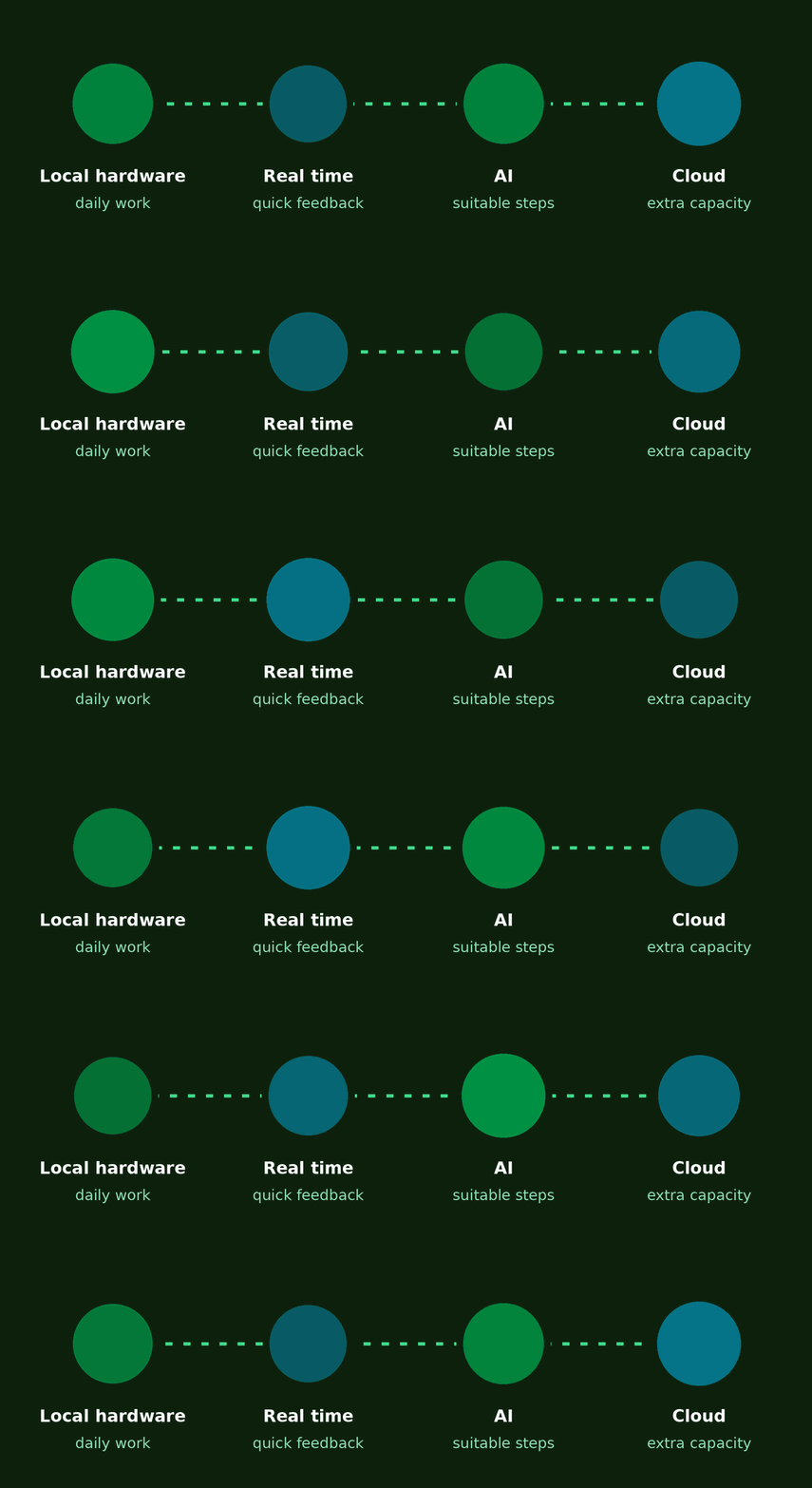
The most adaptable setup usually mixes local hardware for daily work, real-time tools for quick feedback, AI for the pipeline steps it suits, and cloud rendering for extra capacity once a project outgrows the workstation.
Try the Copernicus Computing render farmGet $25 starter credit. No credit card required.
Start free trial